Minecraft Pixel Art Generator
Click or drag a photo here
JPG, PNG, or WebP — nothing is ever uploaded to a server
Grid size – (– blocks)
Export options
Turn any photo into Minecraft pixel art — free, instant, and entirely in your browser. Upload an image and this tool maps every block to a real Minecraft color, then gives you a zoomable blueprint, a material list, and a one-click .schem file so you can paste the build straight into your world with WorldEdit.
What is Minecraft pixel art (map art)?
Minecraft pixel art — often called "map art" — recreates an image out of Minecraft blocks, one block per pixel. This converter matches every pixel to one of the game's 61 official map colors, so the preview you see is exactly what the build will look like in-world, whether you're placing it as a wall mural or displaying it on an in-game map (which renders exactly 128×128 blocks).
How do I build Minecraft pixel art in Survival mode?
Pick the Survival-Friendly palette, follow the material list as a shopping checklist, then either place blocks by hand using the blueprint or skip straight to a finished build with a one-click .schem export. Here's the full workflow:
- Upload your photo and pick a size — Medium (64 blocks) is a great starting point for a wall-sized build
- Switch the palette to Survival-Friendly to remove any blocks that require a trip to the Nether
- Use the Material List as your shopping list — copy it or download it as a .txt/.csv before you start mining or trading
- Open the Grid Blueprint, zoom in, and place blocks row by row — the bold lines and numbers mark every 16-block chunk so you never lose your place
- Or skip manual placement entirely: export a .schem file and paste the finished build in one command with WorldEdit
What is map art size, and why does 128×128 matter?
128×128 matters because that's the exact block size a single Minecraft map item renders — nothing more, nothing less. If you want your build to fit perfectly inside one map (for an item frame gallery, for example), choose the Map (128×128) size — the tool will center-crop your photo to a square before converting it.
How do I filter Minecraft blocks by game version?
Pick your world's version in the Minecraft Version dropdown and the converter automatically drops any block that didn't exist yet in that release, so every color in your build is guaranteed to be placeable. The palette has grown from 35 colors at launch to 61 today:
- 1.8 – 1.11.2 — the original 35-color palette (no Terracotta, Concrete, Nether Wood, or Deepslate)
- 1.12 – 1.15.2 — adds the 16 Glazed Terracotta colors and Concrete blocks
- 1.16 – 1.16.5 — adds Crimson & Warped nylium/wood tones from the Nether Update
- 1.17 – Latest — the full 61-color palette, including Deepslate, Raw Iron, and Glow Lichen
What is a .schem file, and how is it different from .litematic?
A .schem file (Sponge Schematic format) is a compressed snapshot of a block structure that WorldEdit can paste into a world in one command — no manual placement required. Click the export options next to Download, tick WorldEdit Schematic (.schem), then in-game run //schematic load your-file followed by //paste at the spot you want the build to appear.
.litematic is a separate format used by the Litematica mod, built for showing a translucent hologram overlay of the build in your world so you can place every block by hand while it floats in front of you — popular for Survival-mode builders who can't use WorldEdit's instant paste. The two formats store similar data (block positions and states) but target different tools: WorldEdit reads .schem natively, while Litematica reads .litematic natively (and can import .schem files through its own converter). We currently generate .schem, since it's readable by both WorldEdit and Litematica's converter — native .litematic export is on our roadmap.
Features
- Accurate color matching — compares colors in the CIELAB space (not raw RGB) for a much closer visual match to your original photo
- Real Minecraft block colors — built on the game's own map colors, filterable by version so every result is actually buildable
- One-click .schem export — a WorldEdit-ready schematic generated entirely in your browser, no server upload involved
- Twelve block palettes — from All Blocks and Survival-Friendly down to Wool Only, Concrete Only, and other single-material sets
- Instant material list — every block counted and sorted, with one-click copy and .txt/.csv export
- Spreadsheet-style CSV export — download a full coordinate grid of block names plus a usage summary, ready to open in Excel or Google Sheets
- Zoomable build blueprint — chunk gridlines and coordinates make placing blocks straightforward
- 100% client-side — your photo is never uploaded anywhere, and it's completely free
What have people built with this converter?
From pixel-art portraits on Survival servers to giant map-art murals viewed from item frames, the same three outputs — blueprint, material list, and .schem file — cover most build styles. A few example categories our users build:
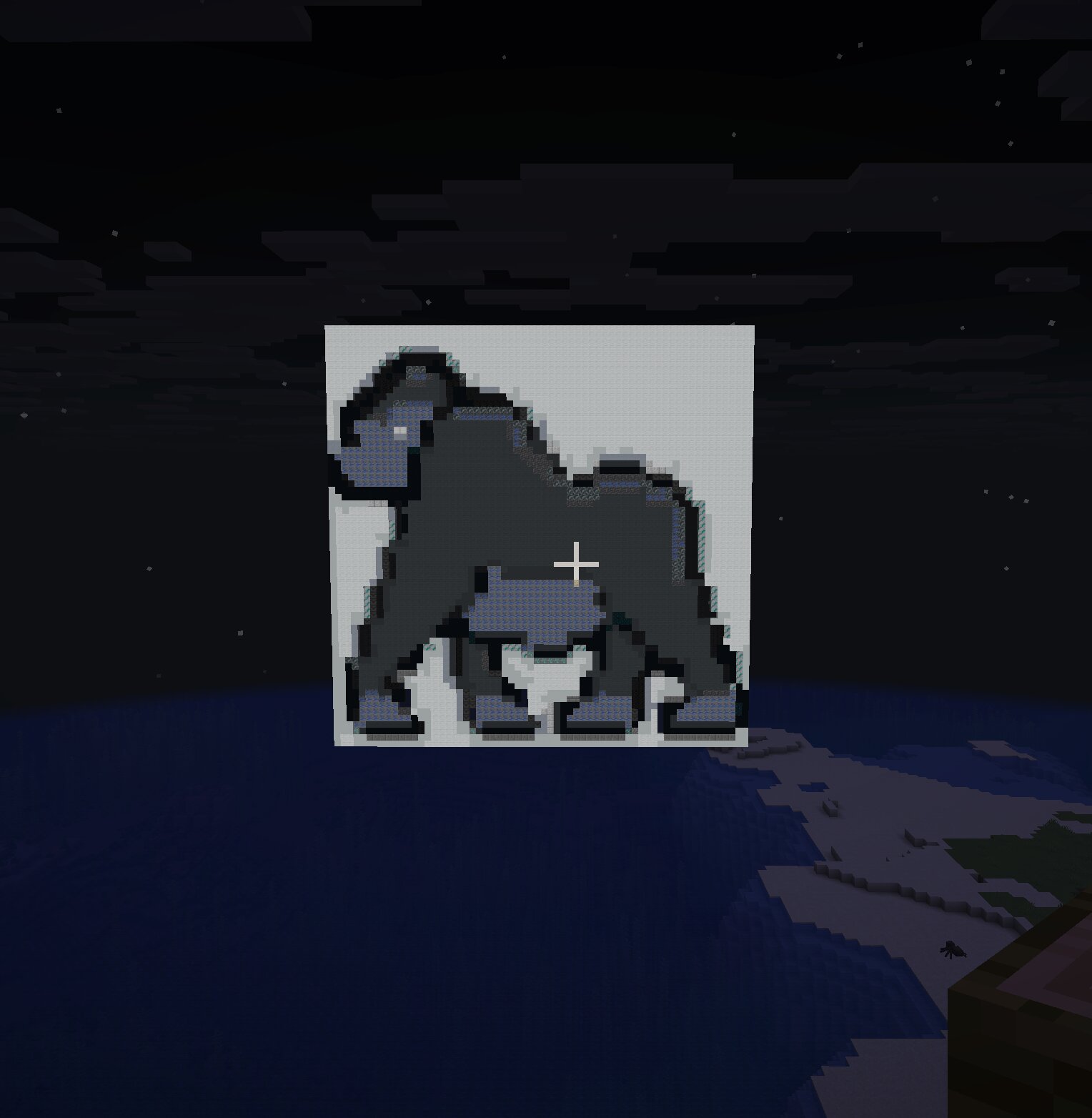
Portrait wall build — Medium (64) size, Survival-Friendly palette
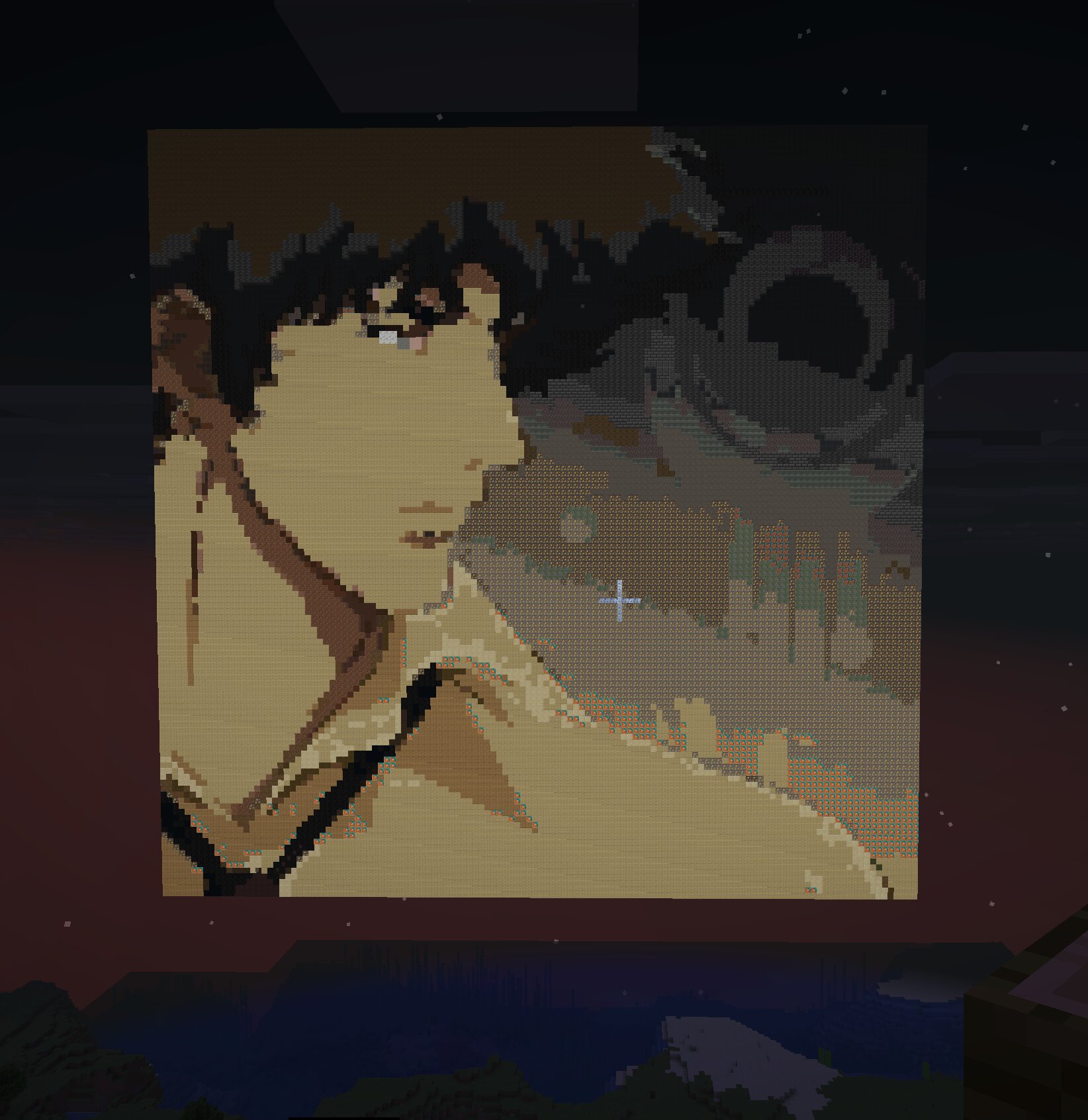
128×128 map art — displayed across a 1×1 grid of item frames
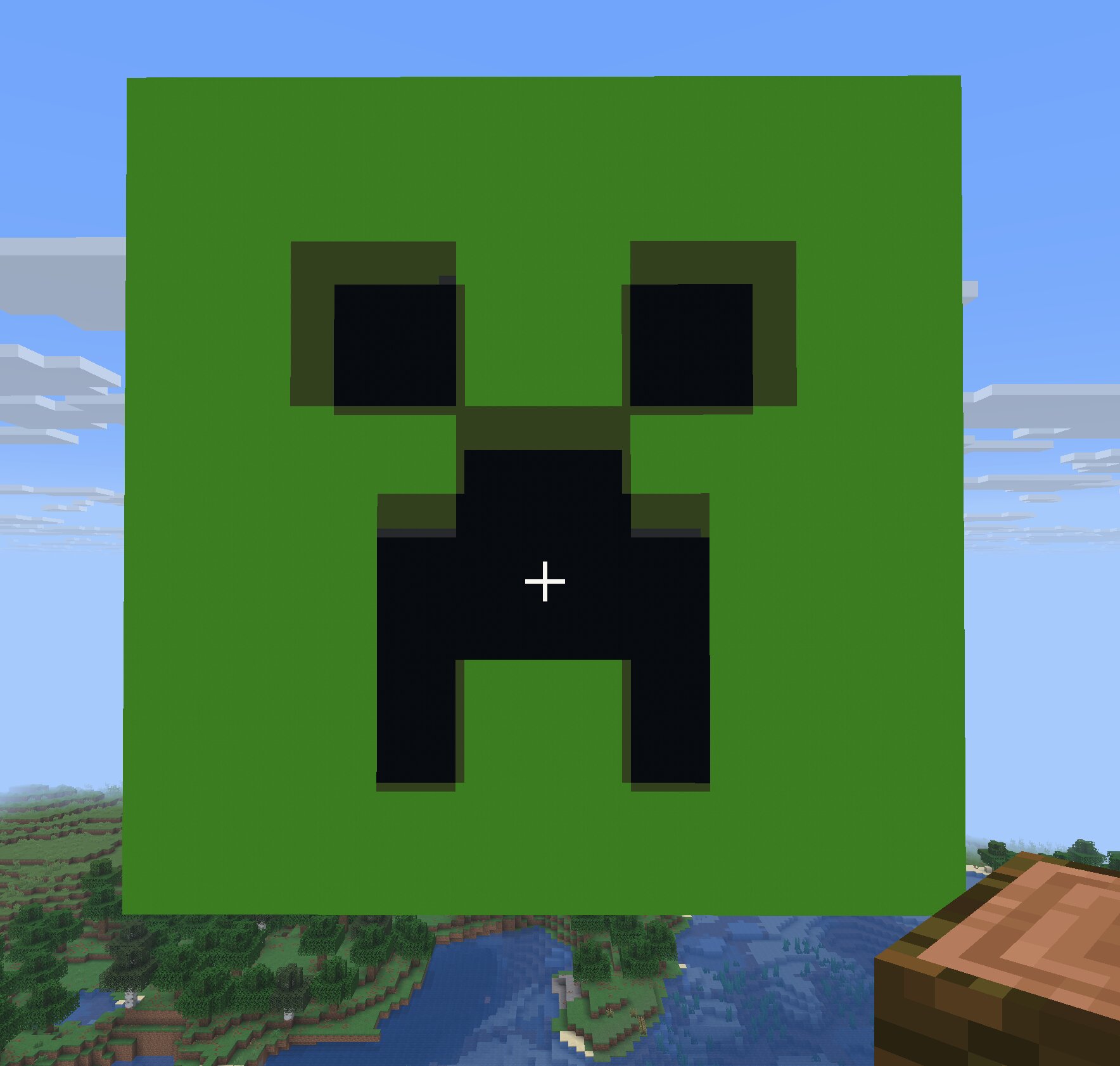
Server logo — Concrete Only palette, pasted with a .schem file
Want to hand-edit the result first?
Open your download in the Pixel Art Maker to touch up individual pixels before you build, or try the classic Pixel Art Converter for non-Minecraft retro styles.
Building a Minecraft cushion screen?
Plan your Minecraft cushion screen with the free Cushion Screen Generator — two-layer blueprints, material list, and datapack export for /function cushion:build.
FAQ
Do I need to install anything?
No — everything runs in your browser, including the .schem file generation. Nothing is uploaded to a server.
Can I use this for Minecraft Bedrock or Java?
The block colors match Java Edition's map color table, which is very close to Bedrock's as well. The .schem export is Java-only, since WorldEdit for Bedrock doesn't support that format.
My server is on an older version — will the blocks still work?
Yes. Choose your server's version in the Minecraft Version dropdown and the tool automatically limits results to blocks that existed in that release.
What size should I pick for a big statue or building?
Use Large (96 blocks) or a custom scale-up in-game after building the base pattern at Medium size.
Do I need WorldEdit installed to use the .schem export?
Yes, on the receiving end — WorldEdit (or a mod that reads Sponge Schematics, like Litematica's converter) needs to be installed on the world where you paste the build. Generating the .schem file itself doesn't require anything beyond this page.
Is it really free?
Yes — no signup, no watermark, no limits.